


New article
Recently updated
Configuring system settings

Who is this article for?
Users who want to learn how to configure their system display.
No special access or permissions are required.
This article explains how to set up your system's display elements, including language, region, and parameters.
1. Accessing settings
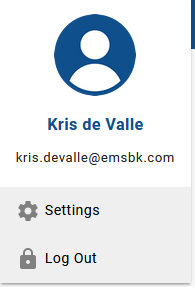
To access settings:
- Click the User icon.

- Select Settings.
2. Configuring language and region
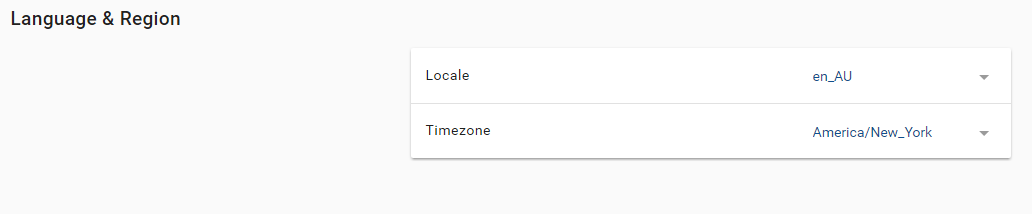
To configure language and region:
- Set Locale to your preferred language.
- Set Timezoneto your local region.
3. Configuring parameters
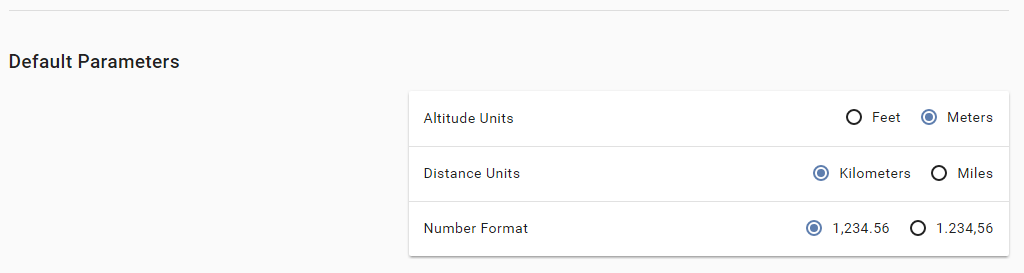
To configure default parameters:
- Set Altitude Units to your preferred type.
- Set Distance Units to your preferred type.
- Set Number Format to your preferred setup.
Note
At the time of writing, some non-relevant items remain on the dashboard pertaining to removed functionality.